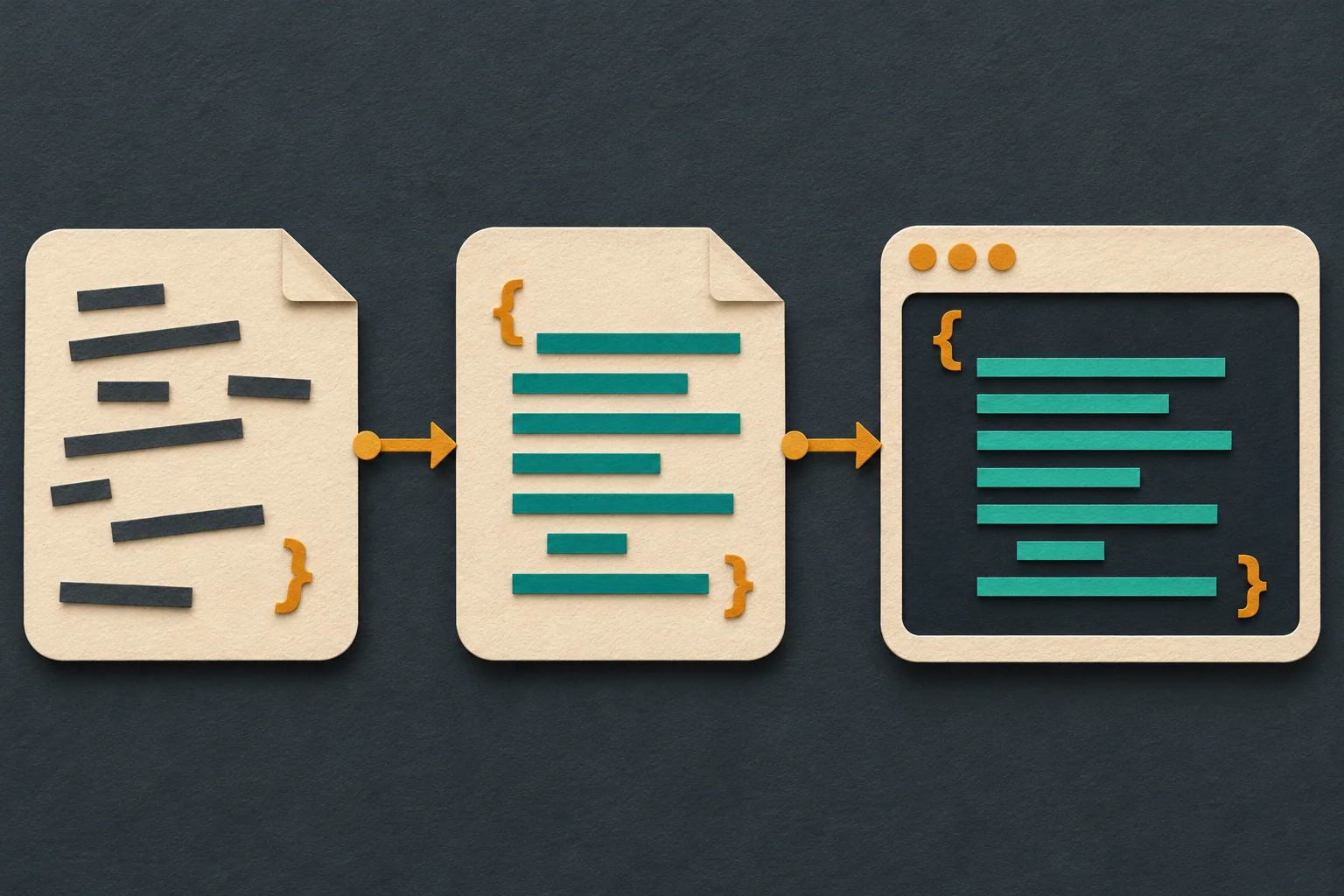
While reviewing an Everyday Programmer article on November 4, I noticed a code example that looked wrong. The try, catch, and finally example appeared as ordinary text. Only the final closing brace had code formatting.
My first suspicion was the UI. We had different content components available in Payload, and this looked like a case where the frontend was not using them properly.
The investigation landed one step earlier: the saved content.
What the page was actually receiving
Nearly the whole example had been saved as a paragraph. Only the final brace was marked as inline code. The article looked like it contained a code example to someone reading it, but its stored structure did not describe a complete code block.
That difference explained the screen. The frontend already supported the Code Example block. It was rendering the content it had been given; the article was not supplying that block for this example.
The correction was to save the entire example in the existing Code Example block. No frontend change was needed. In the draft preview, the complete example then appeared as a syntax-highlighted TypeScript block with line numbers. The Copy button was checked too.
A change to the renderer would have been work at the wrong layer.
Separate the symptom from the diagnosis
“This should be a code block” was a useful observation. “The code-block component is broken” was a hypothesis.
Those are easy to collapse into one sentence when the problem is visible in the browser. That is where I noticed it, so it felt natural to start with the component that produced the screen.
But a content-driven page has several points where the intended meaning can get lost: the editor, the saved document, any transformation that prepares it, and the component that renders it. A paragraph containing programming syntax is still a paragraph as far as the content structure is concerned.
I want the investigation to establish which boundary is wrong before choosing a fix.
Trace one example through the system
For the next issue like this, I would keep the check small and concrete:
- Describe the visible failure. Identify the exact example and what should be different. Here, the whole snippet needed block formatting, while only one brace had inline formatting.
- Inspect the saved content. Check the node or block type and which text it contains. Seeing the right words in the editor is not enough to establish the right structure.
- Follow the rendering path. Find the component responsible for that saved type. Check any conversion between the stored document and the props it receives.
- Make the correction, then reopen the preview. Verify the whole example, including the interaction a reader will use. For this article, that included copying the code.
If a correctly saved block still renders incorrectly, there is a concrete reason to investigate the frontend. If the stored document describes the wrong thing, correct that content and check the result before changing shared rendering behaviour.
Check the article around the fix
The verification also covered headings, lists, links, inline code, and the cover. Those checks mattered because a readable code block was only one part of the article.
There is a useful distinction here: inline code is appropriate for a short identifier inside a sentence. A complete example needs the structure and behaviour intended for a complete example. Trying to make one substitute for the other makes the content harder to maintain and the result harder to predict.
I also want to be careful about the next conclusion. This incident established that one saved example had the wrong structure. It did not establish why it was saved that way, or that every article had the same problem. A broader validation rule would need evidence of the pattern it should catch.
The habit I want to keep
The useful result was a corrected article and a working preview, without a renderer change. The more reusable lesson is about where to look.
Before editing a content component, I want to see one real example all the way through: what was saved, how it was interpreted, and what the reader received.
Sometimes that trace leads to a component fix. This time, it led back to the content.