How often have you heard "can we just change the blue to something warmer" and watched it ripple through fifty-seven files?
Semantic design tokens solve this — but only if you treat them as a contract, not a suggestion.
What a token contract looks like
A token contract names intent before it names appearance. It tells the product what kind of decision is being made: primary text, muted text, canvas, surface, subtle border, dangerous action, or focused control.
The important part is not the exact naming scheme. The important part is that component authors choose from a shared vocabulary instead of inventing local meaning in every file.
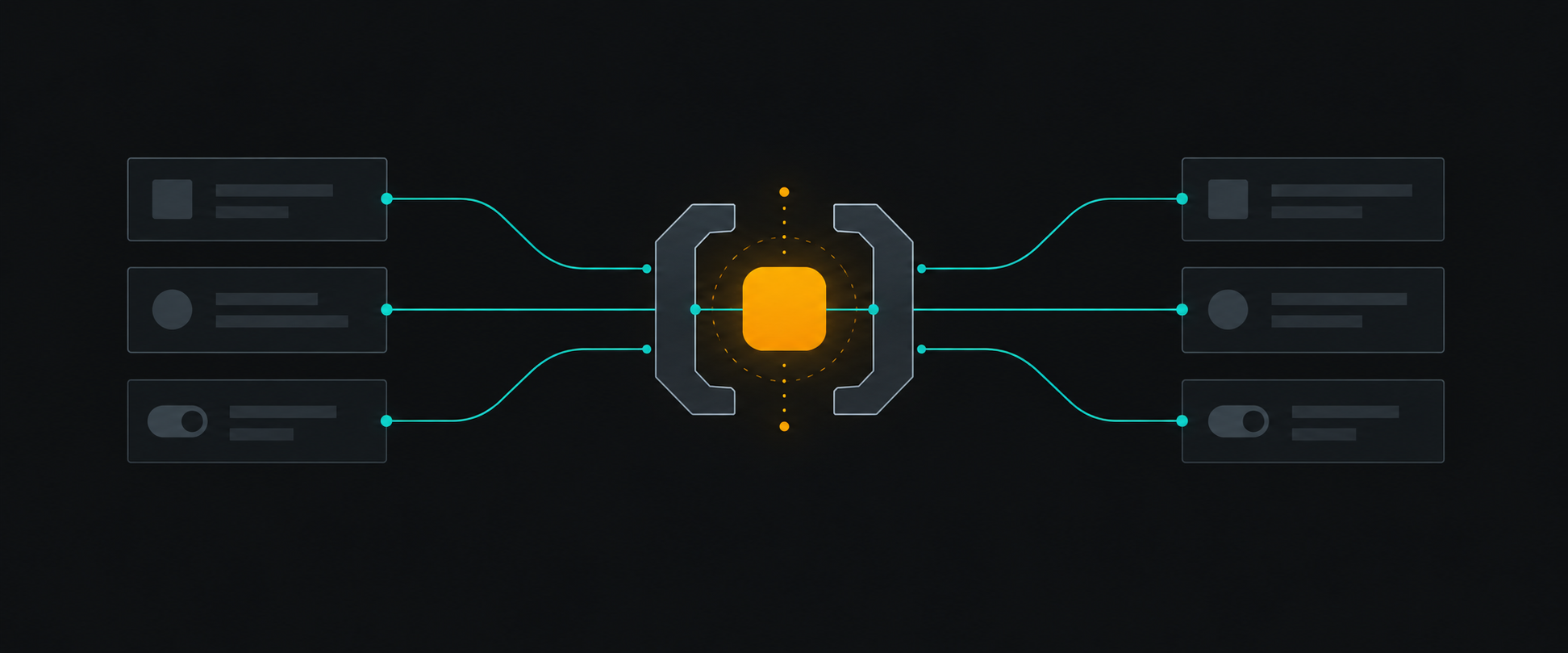
The contract is between design and product code
Designers need confidence that changing a theme value will update the right surfaces. Engineers need confidence that using text.secondary will not become unreadable in dark mode or in a high-contrast theme.
That only works when the contract has rules:
- Components use semantic tokens, not palette values.
- Palette values are implementation details behind the theme.
- New semantic tokens require a clear use case.
- Deprecated tokens have a migration path.
Tokens should make decisions concrete
A good token system does not make the interface vague. It makes decisions concrete enough to be reusable.
For example, accent.default is not an invitation to use the brand color anywhere. It says: this is the default interactive emphasis color. If a component needs a warning, success, or destructive state, it should ask for that meaning directly.
Keep the surface area small
The fastest way to weaken a token contract is to add a token for every exception. When every component gets a custom semantic alias, the system stops communicating shared decisions.
Before adding a token, ask:
- Does this represent a reusable product decision?
- Will at least two components use it for the same reason?
- Does it behave predictably across themes?
- Can designers explain when not to use it?
Review token usage like API usage
Treat token changes like public API changes. Review them for naming, compatibility, accessibility, and migration cost.
That review does not need to be heavy. A short checklist catches most problems:
- Is the token semantic?
- Does the contrast still pass in supported themes?
- Does the name describe intent instead of implementation?
- Are existing components using the closest available token first?
Test token changes visually
The best token review in the world will not catch a contrast break that only appears in dark mode at a specific breakpoint.
That is where visual testing earns its place. When every variant of every component lives in Storybook, a token change triggers a Chromatic snapshot across the whole library. You see exactly what shifted before it hits production.
A design token system is not a prettier palette file. It is a contract that lets teams change the look of a product without losing the meaning of the interface.
Design Systems Tokens