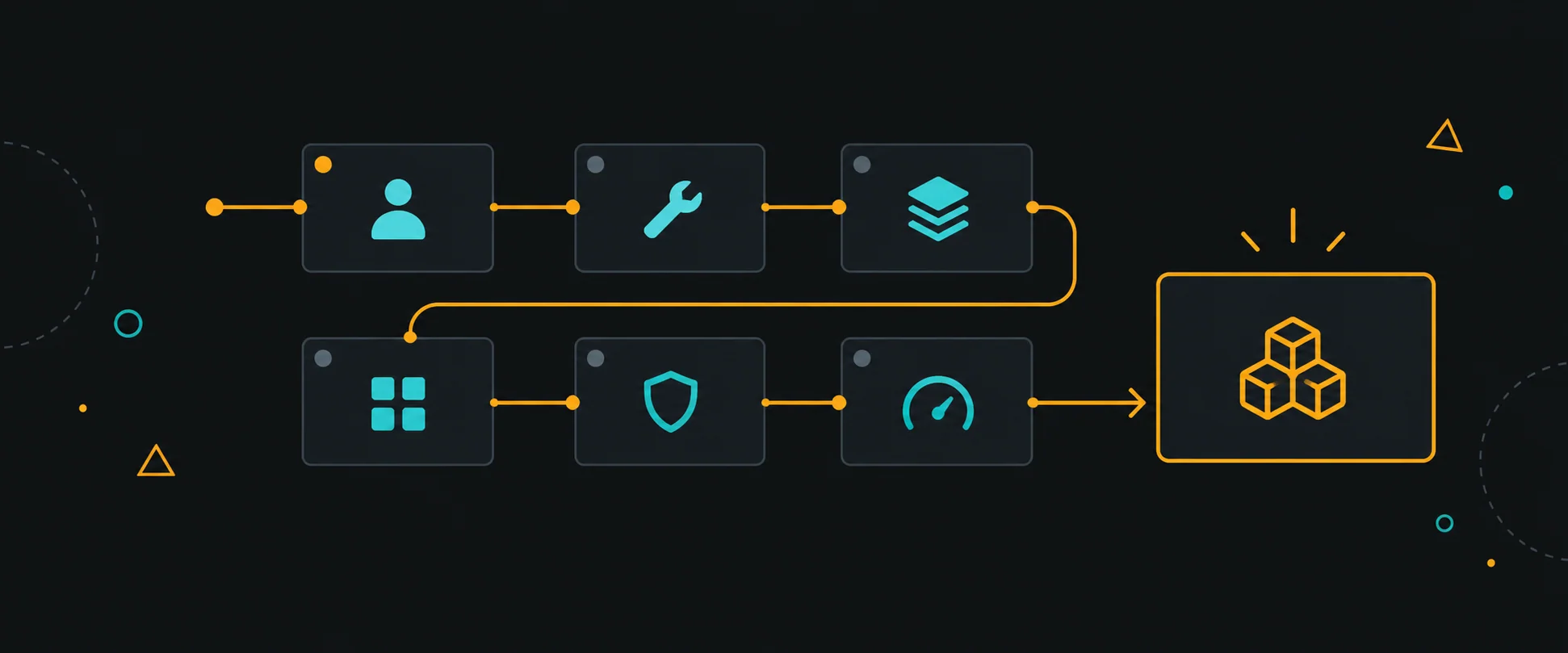
The prompt is always vague on purpose: "Design the frontend for our live operations dashboard."
Weak answers start with tools — "I'd use React Query, Zustand, and Tailwind." Strong answers start with a question: "Who's looking at this dashboard, and what decision are they making when the page is slow?"
What interviewers are actually scoring is whether you can walk an ambiguous problem toward a defensible architecture — prioritization, constraints, tradeoffs. Here's the framework I use, and teach.
1. Start with the user-visible bottleneck
Ask what hurts today, or what will hurt first at scale. A dashboard for 50 operators is a different design than one for 5,000 — and "it depends" only scores if you name what it depends on.
2. Separate stabilization from architecture
Explicitly split your answer in two:
- Stabilization (this sprint): server-side pagination, kill the per-keystroke client filtering, batch the live updates
- Architecture (this quarter): data/rendering boundaries, subscription model, migration path
Interviewers notice when you know the difference between a hotfix and a system. (This mirrors the real-world triage in The Highest-Impact Fix Isn't Always the Ugliest Code.)
3. Gather constraints out loud
Name the four constraint families and ask about each:
Family | Questions |
|---|---|
Scale | How many concurrent users? Data volume? Rows per view? |
Data freshness | Real-time, near-real-time, or on refresh? Per-event or batched? |
Update frequency | What re-renders, how often, on whose screen? |
Delivery | Browsers/devices to support? Network quality? Mobile share? |
You won't get answers to all of them — stating your assumption and proceeding is the scored behavior: "Assuming 2,000 concurrent operators and near-real-time deltas, I'd batch UI updates at 500ms."
4. Define component and data boundaries
Draw the seams: orchestration, data layer, presentation. Say what owns state and what subscribes to it. If the prompt is data-heavy, expect follow-ups on virtualization, pagination, and caching — that's the point of the exercise.
5. Cover the four non-functional pillars
Performance, accessibility, security, observability — a sentence each, tied to this design:
- Perf: budgeted re-renders, code-splitting the chart library
- A11y: keyboard navigation for the grid, live-region announcements for real-time rows
- Security: authorization enforced server-side per request (Frontend Authorization Is Not Security)
- Observability: client error tracking, render-perf metrics on the hot paths
Skipping all four is the most common senior-round failure.
6. Explain incremental migration and tradeoffs
End with how the system would get there from a legacy codebase, and name a tradeoff you're accepting: "I'd migrate the table first — highest traffic, lowest risk — and accept a temporary dual data-fetching pattern for one release."
The one-page worksheet
Bring this skeleton to the whiteboard. The tools you name will change with fashion; the framework won't.