When someone says "this dashboard needs to be real-time," the instinct is to reach for WebSockets. Spin up a socket server, push everything through it, done.
I've built enough of these systems now to distrust that instinct. "Real-time" describes how fresh the data needs to be — it says nothing about which transport should carry it, and it certainly doesn't mean every interaction in the app should ride a persistent connection.
A recent project made this concrete. Live telemetry dashboard, yes. But also: settings, user management, historical reports, configuration forms. Only one of those actually needed a socket. The rest were commands and queries wearing a real-time costume.
Separate commands, queries, and live events
The single most useful move is splitting everything the app does into three categories:
Commands — the user does something. Save settings, submit a form, delete a record. These are HTTP requests: POST, PATCH, DELETE. They need authentication, validation, and a response the UI can react to. A WebSocket adds nothing here except complexity.
Queries — the user asks for data. Load the dashboard, fetch a report, search. Also HTTP. Server components, fetch on mount, React Query — the normal toolbox. Freshness is handled by refetching or revalidation, not by a socket.
Live events — the server pushes something the user should see now. Price ticks, status changes, notifications, sensor readings. This is the only category where a persistent connection earns its keep.
Most "real-time" applications are 90% commands and queries with a thin slice of live events. Architect the 90% normally and reserve the socket for the slice.
WebSockets or SSE — and when either makes sense
Once you've isolated the live slice, choose the transport deliberately:
Server-Sent Events (SSE) when the flow is one-directional: server pushes, client listens. Telemetry feeds, notification streams, status updates. SSE is plain HTTP, survives proxies happily, has built-in reconnect, and needs far less infrastructure. If your client never sends messages over the socket, you probably want SSE.
WebSockets when the client and server genuinely talk to each other on the same channel: collaborative editing, chat, multi-player state, or client-to-server messages that need to bypass request/response overhead.
Subscribe only to what's on screen
The most common socket mistake isn't the transport — it's scope. One global connection, subscribed to everything, mounted at the app root, alive whether or not anyone is looking at the data.
Subscriptions should match the view:
- On the dashboard route, subscribe to the dashboard's devices.
- Leaving the route ends the subscription.
- Filters change the subscription, not a client-side filter over a firehose.
This bounds the server's fan-out cost by what users are actually watching instead of everything that exists, and it means a background tab isn't silently consuming bandwidth for data nobody can see.
Protect React from high-frequency data
When the live slice does deliver frequent events, don't let them hit setState one by one. Batch on a frame or short interval, render the latest snapshot, and keep render frequency decoupled from event frequency. I wrote separately about batched rendering for real-time frontends — the short version: the socket can deliver fifty events a second while the interface updates twice, and nothing of value is lost.
The same applies to the store. Telemetry writes to a ref or an external store, not to component state; React subscribes to the snapshot at render-friendly intervals.
Plan the failure path on day one
Sockets will drop. Laptops sleep, networks switch, proxies kill idle connections. The failure path is not an edge case — it's a core feature:
- Reconnect with backoff, and cap it so a dead server doesn't produce a hammering retry loop.
- Resync on reconnect. The client missed events while disconnected; re-fetch current state before trusting the stream again. A "last event ID" or version cursor makes this cheap.
- Show the connection state. A "reconnecting…" indicator is honest; a confidently stale dashboard is a lie.
- Expire stale data. If the feed is down for thirty seconds, the UI should say so — or grey out — rather than present old numbers as live.
None of this is optional polish. In a system I took over, the worst production incident wasn't a crash — it was a dashboard that looked live while silently disconnected for twenty minutes. The socket had died; nothing told the user.
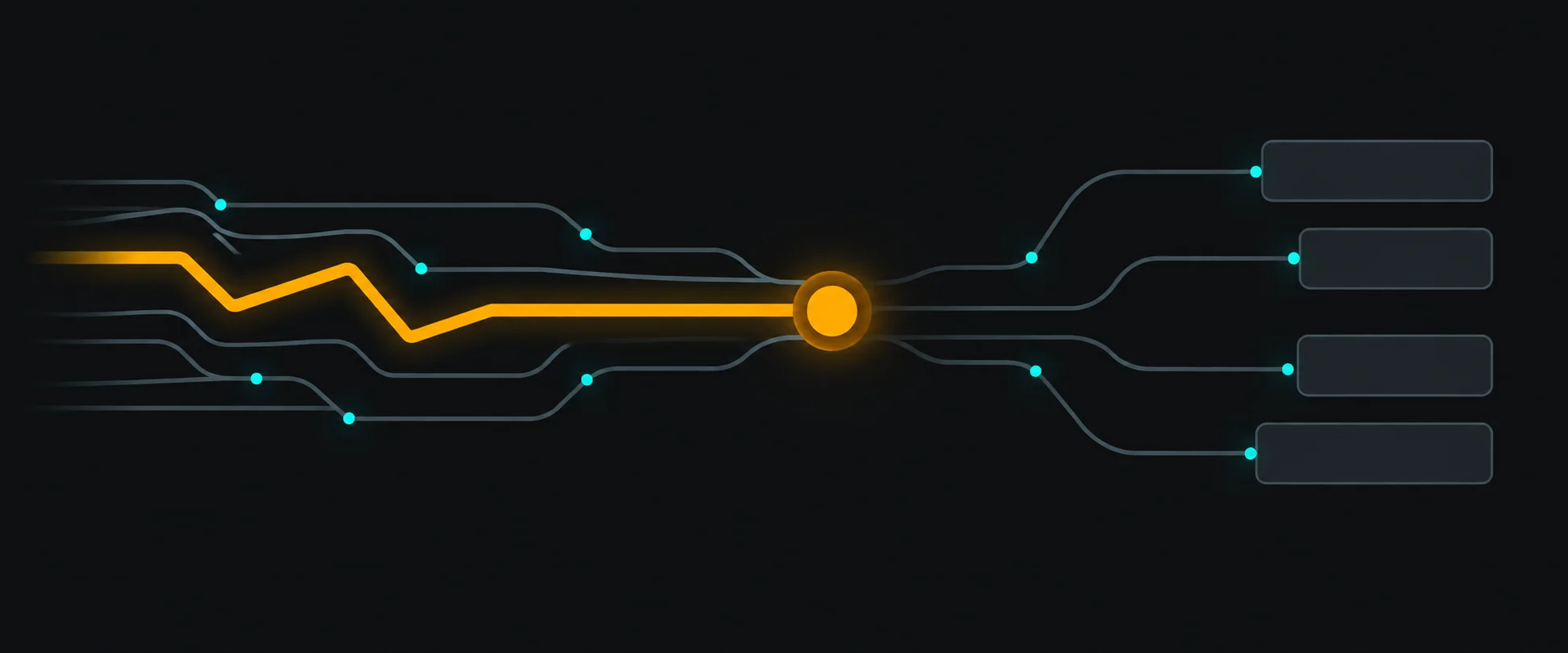
The architecture in one picture
Notice how boring most of this is. That's the point.
When there is no live slice at all
The honest ending: some products say "real-time" and mean "I don't want to press refresh." For those, polling every few seconds — or simple revalidation on focus — is a perfectly good architecture. It's stateless, cacheable, survives proxies, scales horizontally, and has no reconnect logic to maintain. If events arriving two seconds late don't hurt anyone, you don't have a real-time problem; you have a refresh button problem.
Before adding a socket, I ask: what breaks if this data is five seconds stale? If the answer is "nothing, really," HTTP was never the wrong choice.
The decision checklist
- Does this data actually need push updates, or is fast refetching enough?
- Which category is it: command, query, or live event?
- One-directional feed? Try SSE before WebSockets.
- What's the subscription scope, and does it die with the view?
- How does the client resync after a reconnect?
- What does the UI show while disconnected?
- Are high-frequency events batched before they reach React?
- Would a two-second-stale dashboard genuinely hurt anyone?
If you can't answer "genuinely hurts" on the last one, you don't need the socket. Real-time is a product requirement — budget it like one.